
Try HousIQ with a sample household
Change an owner, finish a task, or rebalance the day. The sample updates as you go.
No account needed. Nothing here changes a real household.
Your tasks today
Complete a task or adjust who is handling it.
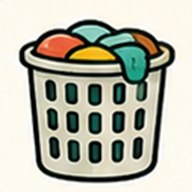
Put bedroom laundry in hamper
Today
Assigned to Maya
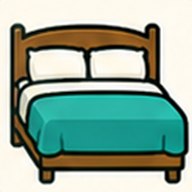
Make primary bed
Complete
Assigned to Maya
LockedDone
Daily essentials - whole household
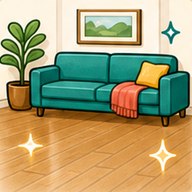
Living room floor pickup
Overdue
Assigned to Sam
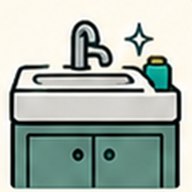
Main bathroom quick wipe
Overdue
Assigned to Sam
Load and run dishwasher
Today
Assigned to Sam
Wipe kitchen counters
Today
Assigned to Sam
Living room clutter reset
Today
Assigned to Sam
What this household needs today
These numbers update when you finish a task, change its owner, or rebalance the open work above.
0%Done
Daily essentials
5Remaining
Daily essentials
0Due soon
This week
2Needs attention
2 overdue
Sam currently owns 87% of the visible work.More than half of the open work belongs to one person. Rebalance the flexible tasks to see another split.
Ready to use your own household?
Start with Today and Assign free for one household. New households also get 14 days of Rooms, Kids, and Reports, with no card and no automatic charge.